CloudVectra Logo CloudVectra
Built for FinOps, Engineering & Security Teams

AI-Driven Cloud Platform Automate, Optimize, and Secure Cloud, AI & GPU Workloads

CloudVectra unifies cost visibility, savings recommendations, safe automation, and security risk management across AWS, Azure, OpenAI, and GPU workloads.

AWS + Azure FinOps Engineering Security

OpenAI-Powered Intelligence

An intelligence layer for cloud cost, automation, and security decisions

CloudVectra uses AI to explain anomalies, answer cloud questions, tailor reports by persona, and help teams turn recommendations into tracked action.
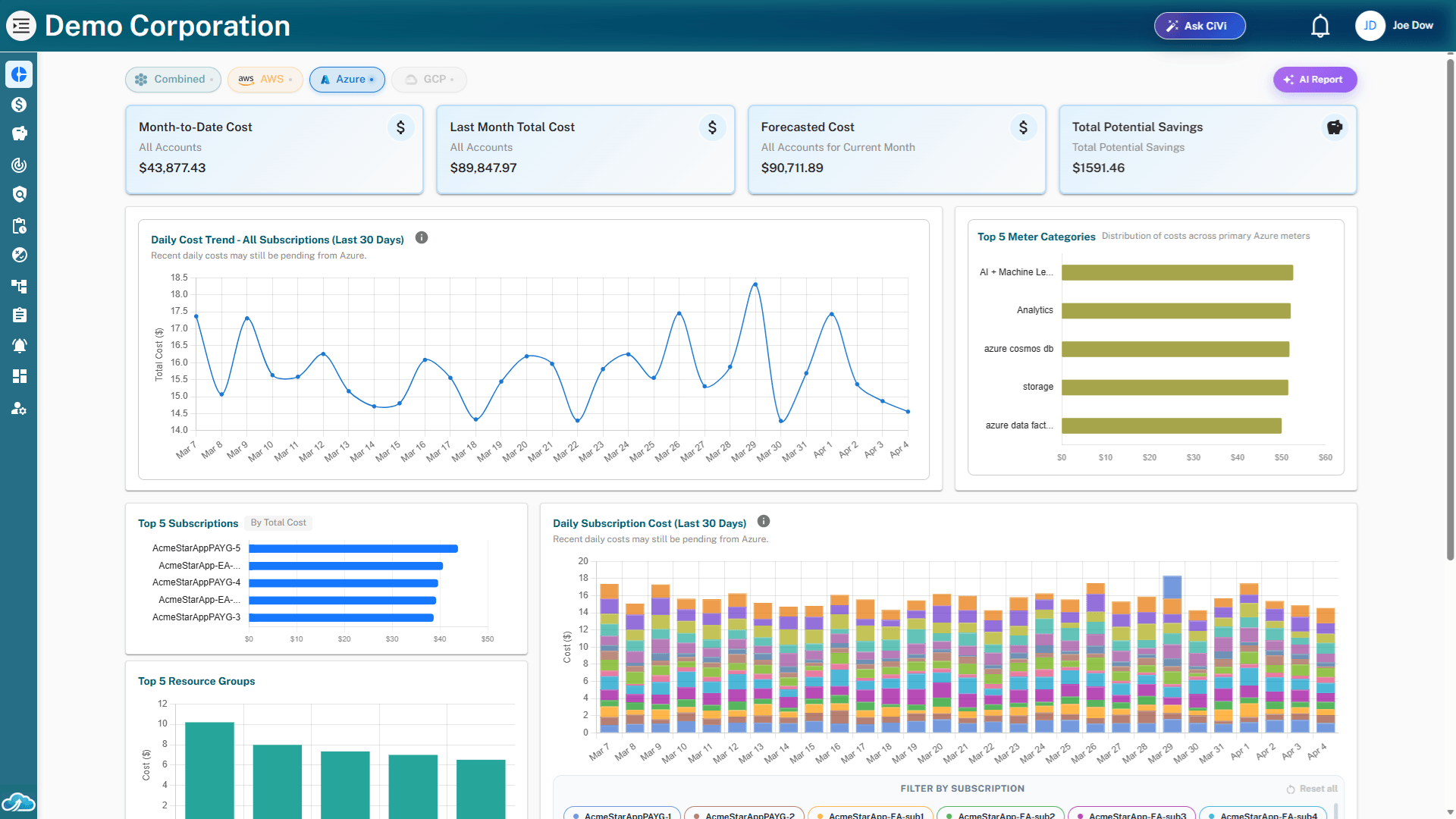
AI Features Preview

Analyze Anomaly

Turn spikes into root-cause context

Analyze unusual cloud spend with likely drivers, impacted services, and recommended follow-up actions.

AI Chat

Ask cloud questions directly

Explore spend, resources, optimization opportunities, security findings, and AI workload trends in plain language.

Persona Reports

Shape insights for each team

Generate focused views for finance, engineering, security, and leadership from the same trusted cloud data.

Agentic Workflow

Move recommendations into ownership

Help triage, prioritize, route, and track savings, automation, and security actions through completion.

Why teams choose CloudVectra

CloudVectra helps teams take control of AWS and Azure environments, turning complexity into clarity with visibility, automation, optimization, and security intelligence.
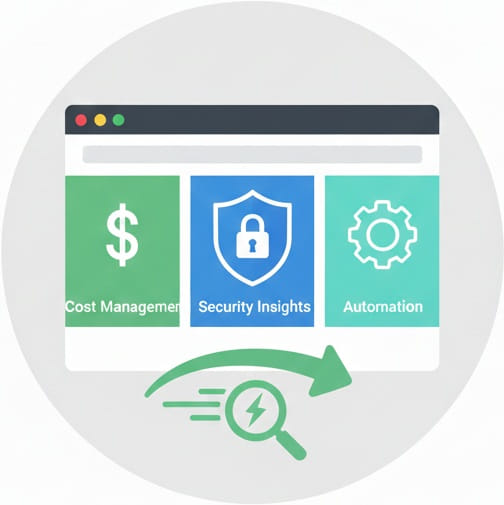
Unified Cloud Visibility

Unified Cloud Visibility

Unify cost, resource, and usage insights across AWS, Azure, and AI workloads in one place.
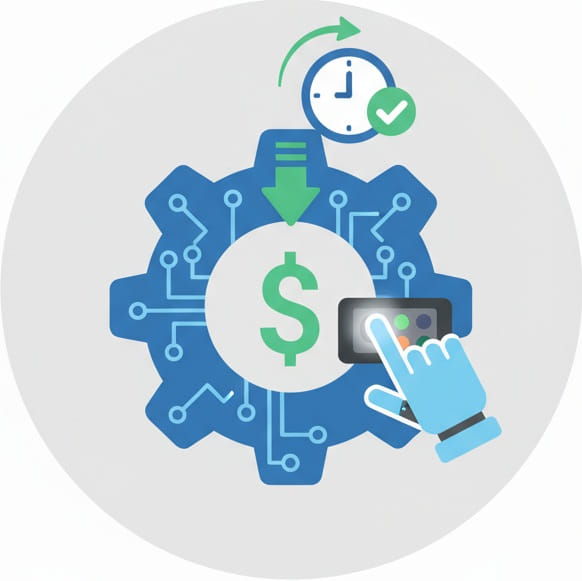
Intelligent Automation

Intelligent Automation

Reduce manual effort with policy-driven automation for compute and GPU workloads.
AI-Powered Optimization Insights

AI-Powered Optimization Insights

AI-driven insights and actions to optimize cost, efficiency, and resolve issues.
Security & Operational Intelligence

Security & Operational Intelligence

Monitor risks, enforce policies, and maintain full operational visibility with auditability.

Real Impact

Proven results across cloud environments

30-50%
Potential cloud cost reduction

Through savings recommendations, rightsizing, and automation

80%
Idle compute and GPU savings

From automated scheduling of non-production and AI workloads

Daily
Anomaly and risk reviews

With cost, security, and AI workload context surfaced for action

100%
Auditable user actions

For automation, resource actions, and workflow activity

Based on internal benchmarks and early customer usage data. Results vary by environment, workload, and implementation scope.

FAQ

Frequently asked questions

Practical answers about onboarding, data access, automation, AI workload visibility, and security workflows.

How is CloudVectra different from native cloud cost tools?
Native tools provide useful cloud-specific dashboards, but teams still need to connect cost, utilization, recommendations, automation, and security work. CloudVectra unifies AWS and Azure data and turns it into prioritized actions with savings context, ownership, and workflow tracking.
Does CloudVectra support OpenAI and GPU workload cost tracking?
Yes. CloudVectra helps teams view OpenAI usage and cost, connect AI workload spend to cloud infrastructure, and identify GPU optimization opportunities such as idle resources, rightsizing, and scheduling candidates.
How does CloudVectra automate actions safely?
CloudVectra supports controlled automation using schedules, dry-run validation, scoped permissions, ownership checks, and audit trails. Teams can automate routine non-production and GPU workload actions while preserving visibility and accountability.
Do we need to install anything in our cloud or servers?
No agents or code are deployed in your environments. CloudVectra connects through secure, read-only cloud roles and APIs to access billing, configuration, and usage data without running anything inside your infrastructure.
Is my data secure and private with CloudVectra?
CloudVectra processes cloud billing, usage, configuration, and metadata needed for cost optimization, automation, and security insights. It does not access application data or customer content.
Is it safe to connect CloudVectra to our cloud accounts?
Yes. CloudVectra connects using least-privilege, read-only access. You control permissions during setup and can review or restrict access at any time.
How long does setup take?
Most teams connect their first account in under 30 minutes and start seeing insights shortly after data sync begins.

Get started

Ready to optimize, automate, and secure your cloud?

See how CloudVectra turns AWS, Azure, OpenAI, and GPU workload data into savings recommendations, safe automation, and prioritized risk workflows.