
01
Less Compute Waste
Idle EC2s, over-provisioned VMs, and unused resources automatically identified and optimized — saving 50-80% on compute spend.
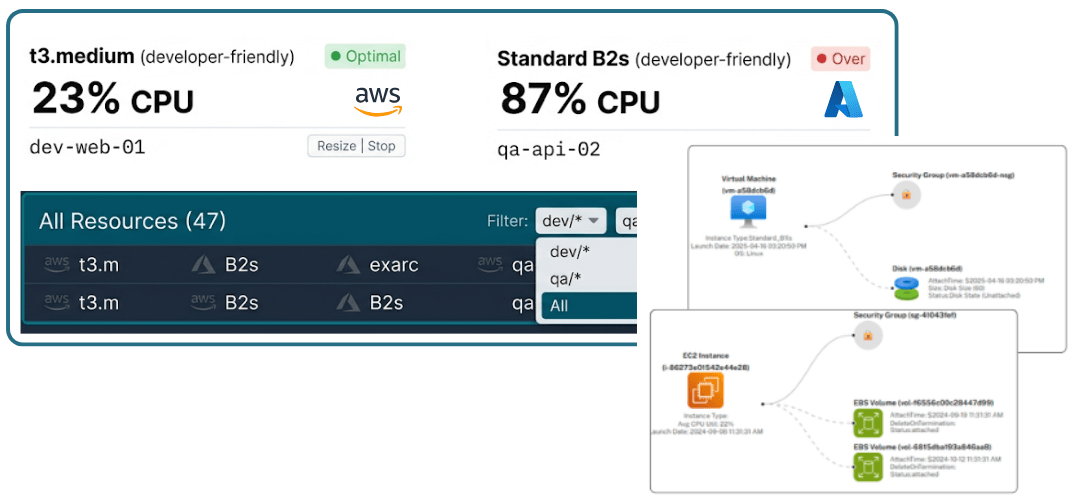
Inventory VMs, instances, and app service plans without hopping between consoles. Filter by utilization, inspect infrastructure context, and run governed actions with RBAC and audit logs.
Resource control center
AWS EC2
87%
CPU
Azure VM
34%
CPU
Infrastructure map
Permissioned action
Stop idle GPU pool and log action to audit trail.
Key Capabilities
See all compute resources in one place — filter by account, subscription, region, tags, and resource groups without switching consoles.
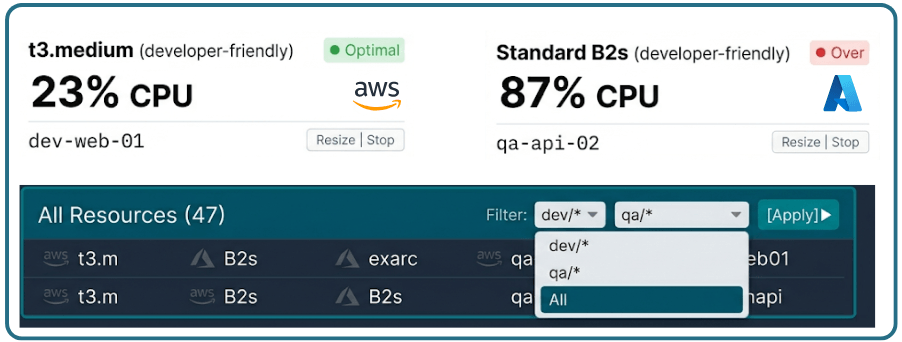
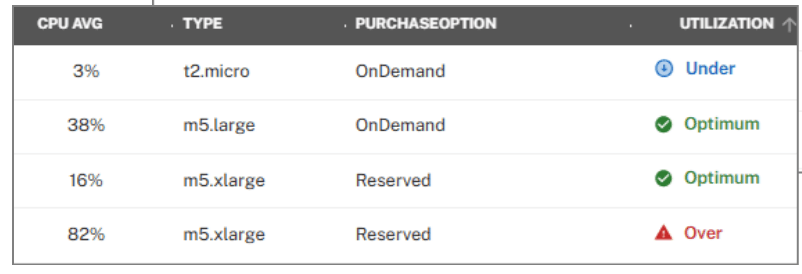
Track under-, over-, and optimal usage with daily metrics, and quickly identify idle, spiky, and oversized workloads for the engineer who owns the tag.
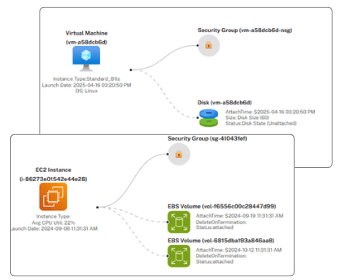
View clear, always-current diagrams of your compute/GPU and its state at a glance.
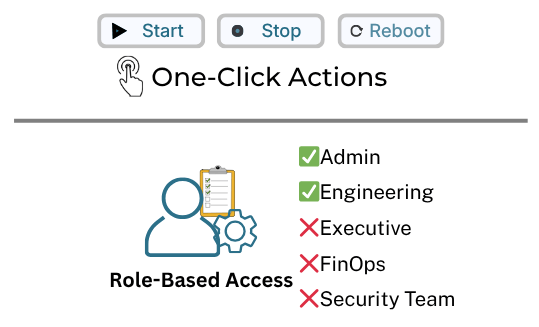
Start, stop, or reboot in-scope resources with a single click, while persona-based access control and full auditing ensure only authorized users can act and every change is tracked for accountability.
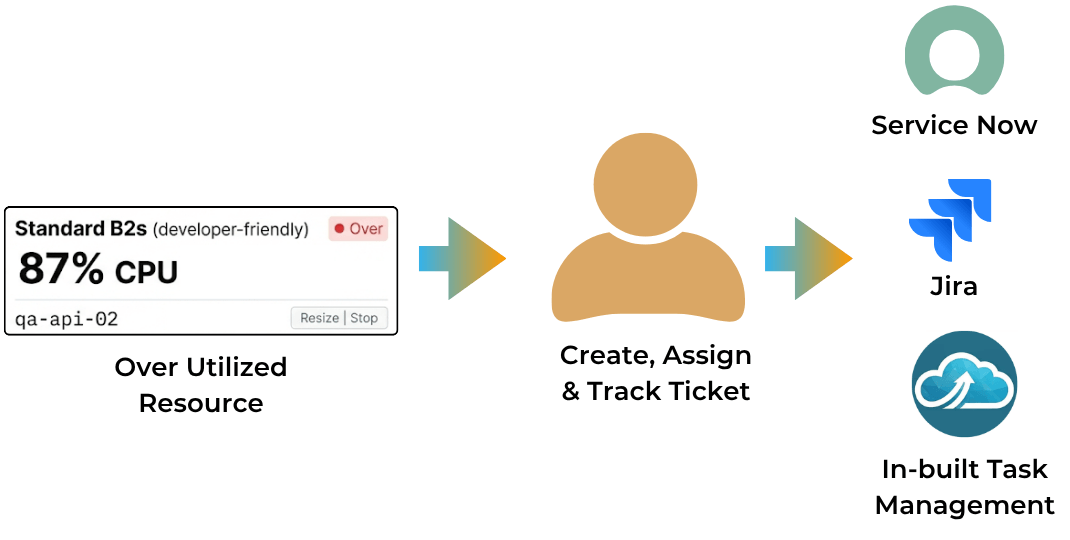
Make informed decisions, optimize costs, plan capacity, and create tasks in built-in workflows, ServiceNow, or Jira across compute instances, and app service plans.
Idle EC2s, over-provisioned VMs, and unused resources automatically identified and optimized — saving 50-80% on compute spend.
Engineers save hours weekly with one-click start/stop/reboot, instant filtering, and direct task creation to ServiceNow/Jira.
See up-to-date state of compute and GPU infrastructure at a glance, reducing time spent digging through consoles and logs.
Persona-based access controls + complete audit logs ensure secure operations — strengthen compliance posture.
Case Studies
Practical examples of how teams use CloudVectra to move from operational complexity to clearer decisions and measurable action.
Problem
Development and test compute instances were running 24/7, wasting budget.
CloudVectra
One-click action to stop idle resource.
Impact
Reduced unnecessary cloud spend by 50-80% on idle resources.
Problem
Teams wasted hours jumping between AWS and Azure consoles to manage resources.
CloudVectra
Unified dashboard with one-click start/stop/reboot from a single interface.
Impact
3x faster resource operations and no cross-cloud context switching.
Problem
Engineers wasted time manually creating tasks in ServiceNow or Jira.
CloudVectra
Automatically generate context-rich tasks and cases with resource, and impact details prefilled.
Impact
Faster workflows, reduced context switching, and immediate actionable insights.
Get started
Full visibility and control across AWS + Azure. Unified dashboard eliminates console switching, shows daily utilization at a glance, delivers current infrastructure diagrams, and enables secure one-click actions — built for DevOps teams who need speed without risk.